Buy credits and issue an extra routing token
Standard tier auto-provisions exactly one tunnel the moment your account exists — no credits needed for that (see Your first tunnel). Credits are for the case beyond that: minting an additional routing token, e.g. for a second tunnel. This page covers the whole loop honestly, including the one step that genuinely can’t be self-tested on this deployment.
Checked directly against the source (crates/control-plane/src/service.rs’s me_issue/
payment_webhook, crates/control-plane/src/billing.rs) and click-tested live against
bunsenbrenner.org with the docs-test account for everything except the payment confirmation step
itself (see the callout below for why).
1. Buy credits
bunsenbrenner.org/portal/account, Buy credits — pick an amount and submit:
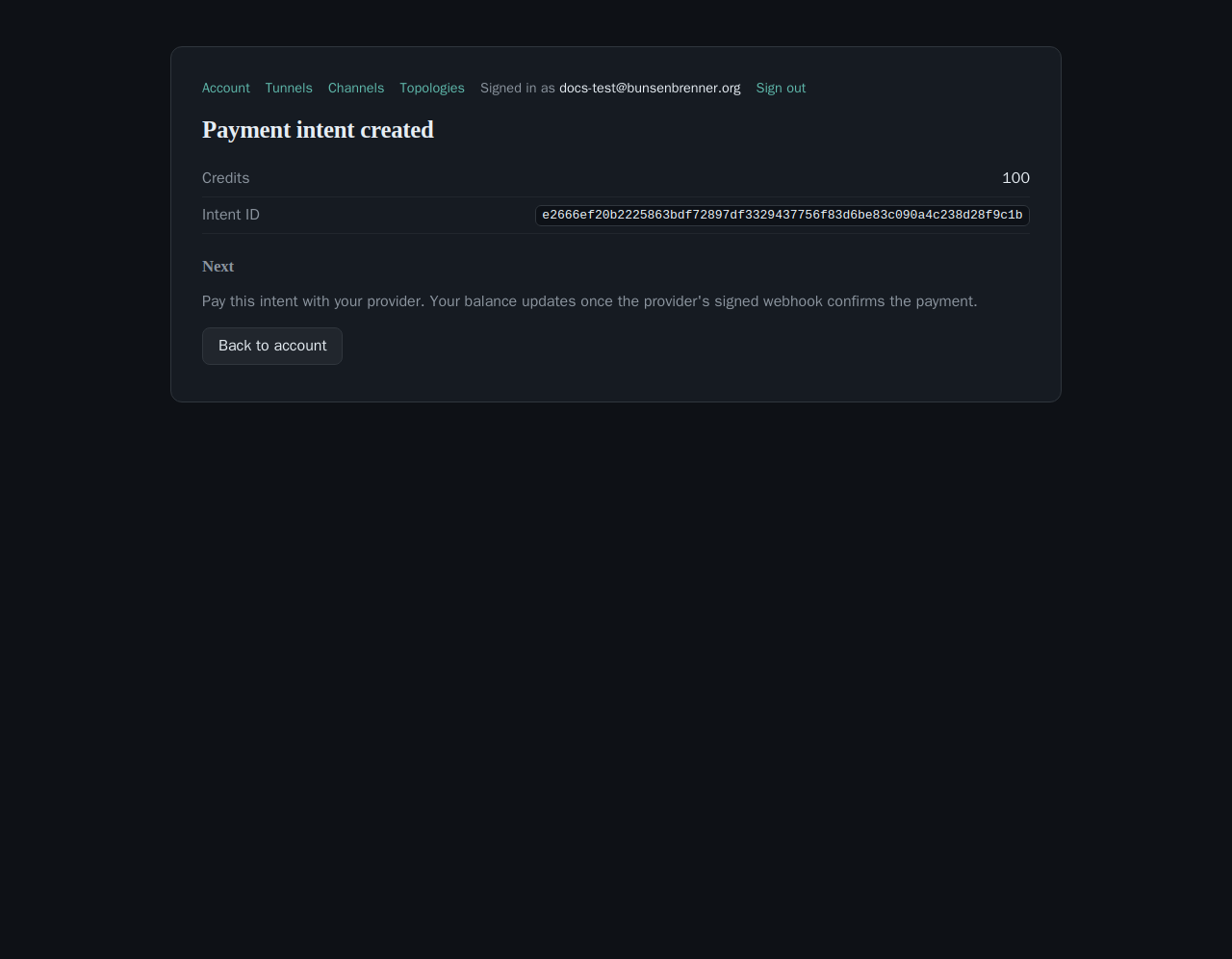
Equivalently, from your own machine ($TOKEN per
Getting a bearer token without a browser
— note this specific flow doesn’t have an OIDC-bearer equivalent, only the portal session form above; see
API endpoints for the admin-gated /payment/intent
variant a payment-provider integration itself would call).
/payment/webhook event
(X-CT-Webhook-Timestamp + X-CT-Webhook-Signature, verified against
CT_PAYMENT_WEBHOOK_SECRET — a secret shared with that external provider, never something
this site or a customer holds). This deployment has no payment provider wired up for docs-testing
purposes, and forging a webhook event against the live secret would mean actually crediting a real
account's balance in production — not something this page will do just to get a screenshot. So: this
step is confirmed against source and the endpoint's own passing test suite, not click-tested live, same
"Honest gap" discipline as The Topology
Editor's overlay-mode caveat elsewhere on this site.
2. Spend a confirmed balance on a routing token
Once a webhook has confirmed a payment, POST /me/issue mints a routing token — the same kind of token
install walks you through redeeming for a tunnel:
curl -X POST https://bunsenbrenner.org/me/issue \
  -H "Authorization: Bearer $TOKEN" -H "content-type: application/json" \
  -d '{"price": 1}'
A routing token costs exactly 1 credit (TOKEN_PRICE). Confirmed live against the docs-test
account (balance genuinely 0, no confirmed payment):
402 Payment Required
insufficient credit: balance 0, requested 1
— a real, honest rejection, not a stub. price must be at least TOKEN_PRICE (400 if you send 0,
a deliberate underpayment guard). Optionally pass idempotency_key (32-byte hex) so a retried request
returns the same token instead of debiting twice — the endpoint is safe to retry on a network timeout.
/portal/account or /portal/tunnels
today — POST /me/issue is API-only. If you want a second tunnel today, mint the token via
the API call above, then follow Install
ct-agent with that token the same way the portal's own Install button would hand it to you.
Full reference for every billing endpoint, including the admin-gated trio a payment-provider integration itself uses server-side: API endpoints.